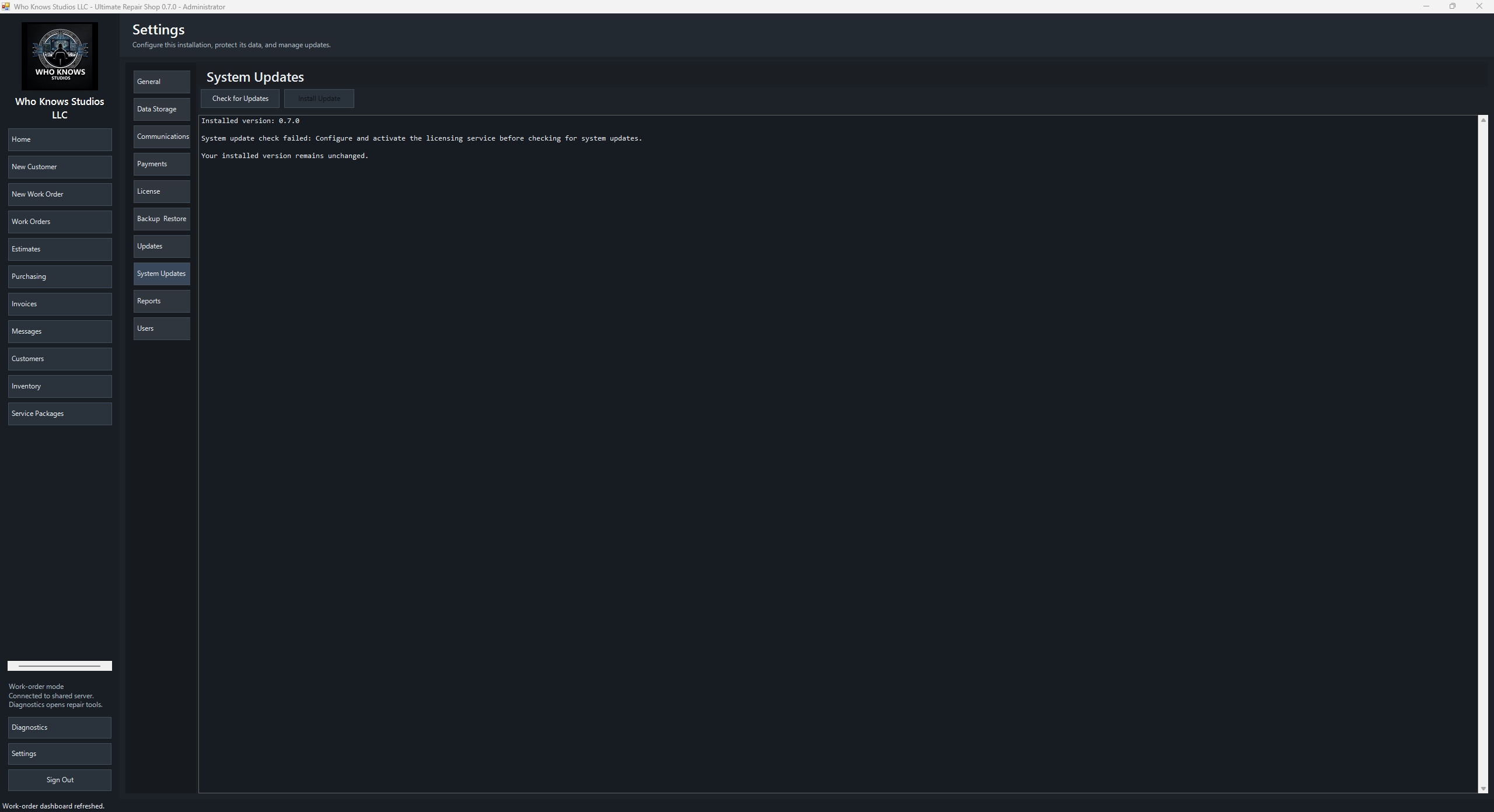
Ultimate Repair Shop desktop application

Repair-shop operations software

Ultimate Repair Shop

Take a repair from first contact to final payment without losing the details between tools.

Manage customers, devices, intake evidence, estimates, work orders, parts, inventory, invoices, messages, schedules, reports, and technician access from one Windows application.

Build your license Explore the workflow

Perpetual license fromLoading priceOne-time purchase

Perpetual ownershipKeep using the version you purchase.
1 year of support coverageReceive available updates and publisher support while coverage is active.
Flexible capacityChoose PCs and named technicians independently.
Shop-owned dataRun portable, on a Windows shop host, or on your own Ubuntu server.

A complete repair-shop workspace

Everything from customer intake through payment and follow-up

Keep daily shop operations, customer communication, employee access, diagnostics, reporting, deployment, and recovery in one connected Windows application.

01

Customers & Devices

  • Customer profiles
  • Device records
  • Repair history
  • Service plans
  • Notification preferences
  • Scheduled follow-ups
  • Email reminders
02

Work Orders

  • Work-order creation
  • Status tracking
  • Priority levels
  • Diagnosis notes
  • Technician notes
  • Custom charges
  • Price snapshots
  • Job history
03

Intake & Estimates

  • Digital intake
  • Paper agreements
  • Electronic signatures
  • Condition documentation
  • Photo evidence
  • File attachments
  • Estimate revisions
  • Approval tracking
04

Inventory & Purchasing

  • Inventory tracking
  • Cost-plus pricing
  • Barcode labels
  • Scanner support
  • Stock adjustments
  • Parts ordering
  • Purchase approvals
  • Delivery tracking
  • Automatic stock deductions
05

Invoices & Payments

  • Automatic invoicing
  • Secure Stripe checkout
  • In-store payments
  • Manual payment links
  • Deposit requests
  • PDF invoices
  • Email invoices
  • Payment tracking
06

Communications & Portal

  • Status notifications
  • Direct messaging
  • Custom email templates
  • SMTP setup
  • Repair-status portal
  • Private access links
  • Estimate approvals
  • Review requests
07

Employees & Security

  • Admin accounts
  • Technician accounts
  • Role permissions
  • Employee IDs
  • Page access controls
  • Authenticator MFA
  • Employee time tracking
  • Wage summaries
  • Lost-device MFA recovery
08

Reports & Diagnostics

  • Work-order reports
  • Tax summaries
  • Purchase reports
  • Employee reports
  • Hardware diagnostics
  • Network diagnostics
  • Security tools
  • System snapshots
  • USB field toolkit
  • CSV data imports
09

Setup & Recovery

  • Guided setup
  • Custom branding
  • Single-PC storage
  • Windows server hosting
  • Ubuntu deployment
  • Existing server connections
  • Complete backups
  • Safe restores
  • Application updates
  • Perpetual licensing

Choose how you operate

Start portable or share across the shop

The guided setup supports a single portable installation, a Windows PC acting as the shop data host, or a dedicated Ubuntu server for a multi-PC environment.

Portable

Keep the application and shop data together on one Windows PC or portable drive. A practical fit for a one-bench operation.

Windows shop host

Use one Windows PC as the shared data server so licensed workstations on the same network can work from the same records.

Dedicated Ubuntu server

Deploy the shop API and database to an Ubuntu server over SSH, with supported Apache and Nginx reverse-proxy layouts.

No required subscription

Buy the version. Keep the version.

Your license does not expire. The base purchase includes one licensed PC, one named technician, one non-billable owner administrator, and one year of support and update eligibility.

If an update is released while support is active, it is available to that license. After coverage ends, the installed version remains usable; renew support for another year to receive later releases and publisher assistance.

Before you buy

Straight answers

What does a perpetual license include?

Permanent use of the purchased version, one PC, one named technician, one owner administrator, and one year of support and update eligibility.

Can I add PCs or technicians later?

Yes. PC capacity and named-technician capacity are separate, and either can be increased later through the customer portal.

Where is my shop data stored?

You choose during setup: beside the portable application, on a Windows shop host, or on your own Ubuntu server. The licensing service does not become your repair-record database.

What happens when update coverage ends?

Your installed version remains licensed and usable. Renew support for another year to receive system releases published after your coverage date and publisher assistance.

Does the owner administrator use a technician seat?

No. One owner administrator is included and does not consume the named-technician allowance.

Can I back up the complete installation?

Yes. The application includes complete backup and restore tools for application files, configuration, operational data, installers, guides, and supporting assets.

Build your perpetual license

Set up the capacity your shop needs today

Start with one PC and one named technician, then adjust each independently. The price below is a one-time purchase.

Company and owner
Customer portal security

Create the password used with the purchase email at urs.wks-hq.com. This is separate from every desktop administrator or technician password.

License capacity

The owner administrator does not consume a technician seat.

Account recovery

Support uses this private answer to verify ownership. The answer cannot be viewed by staff.

Referral (optional)

If someone referred you, enter their customer code. They receive a thank-you reward after your payment clears.